








Description
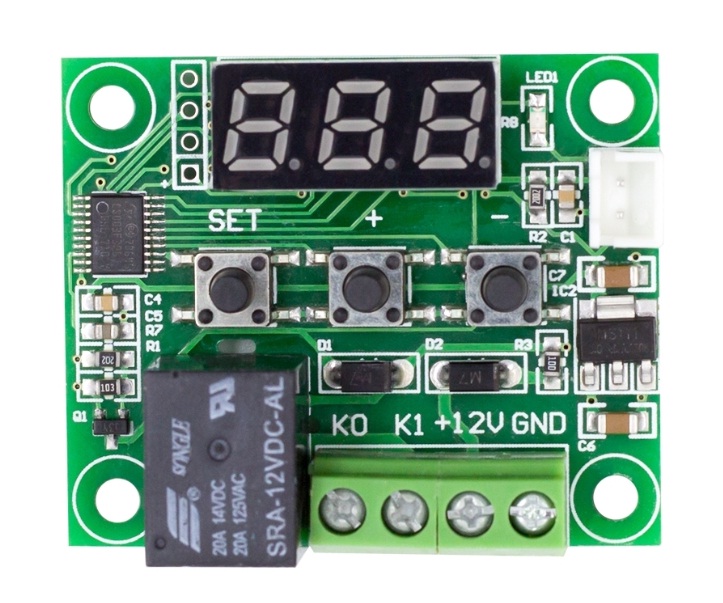
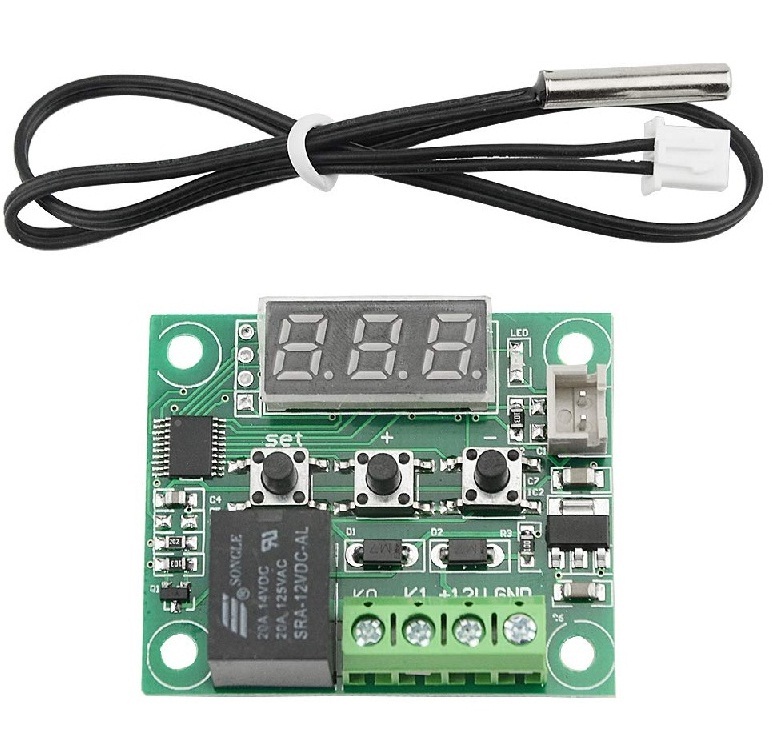
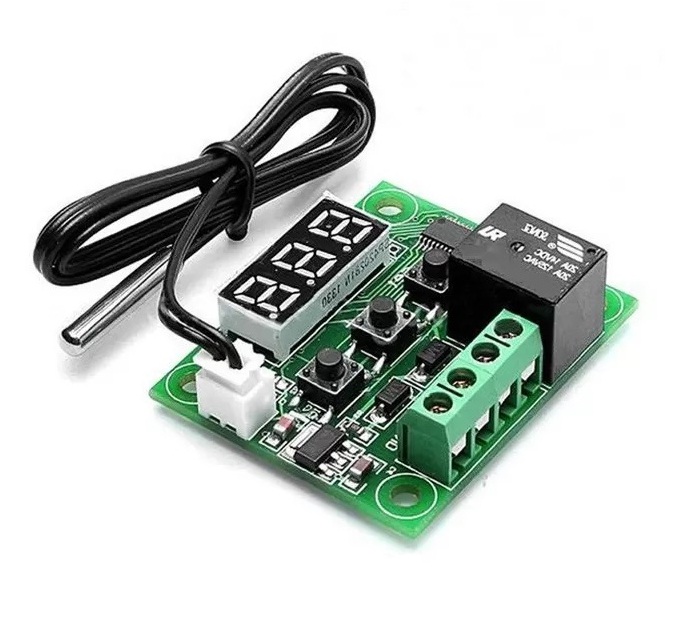
This is XH W1209 12V Digital Temperature Controller Module W/ Display and NTC Temp Sensor.
W1209 Mini thermostat Temperature controller is low-cost 12V Temperature controller with 7-segment display and 3 switch keypad for setting temperature and other parameters. The module features an NTC thermistor temperature sensing and has an accuracy of 0.1 C.
The XH W1209 digital temperature controller Module W/ Display and NTC Waterproof Temperature Sensor is an incredibly low cost yet highly functional thermostat controller. With this module, you can intelligently control power to most types of electrical devices based on the temperature sensed by the included high accuracy NTC temperature sensor.
We can display the current temperature in degrees Centigrade via its 3 digits seven-segment display and the current relay state by an onboard LED.
Displaying the current temperature
The thermostat will display the current temperature in °C by default. When in any other mode making no input for approximately 5 seconds will cause the thermostat to return to this default display.
Setting the trigger temperature
To set the trigger temperature press the button marked ‘SET’. The seven-segment display will flash. You can now set a trigger temperature (in °C) using the ‘+’ and ‘-‘ buttons in 0.1° increments. If we didn’t press any buttons for approximately 2 seconds the trigger temperature will be store and the display will return back to the current temperature.
Setting the parameters
To set any parameter first long press the ‘SET’ button for at least 5 seconds. The seven-segment display should now display ‘P0’. This represents parameter P0. Pressing the ‘+’ or ‘-‘ buttons will cycle through the various parameters (P0 to P6). Pressing the ‘SET’ button whilst any of these parameters are displayed will allow you to change the value for that parameter using the ‘+’ and ‘-‘ buttons. When finished setting a parameter press the set button to exit that option. If no buttons are pressed for approximately 5 seconds the thermostat will exit the parameter options and will return back to the default temperature display.
Setting the cooling or heating parameter P0
The parameter P0 has two settings, C and H. When setting to C (default) the relay will energize when the temperatur








Customer questions & answers
Customer reviews
4 out of 5
Add a review